Table of Contents
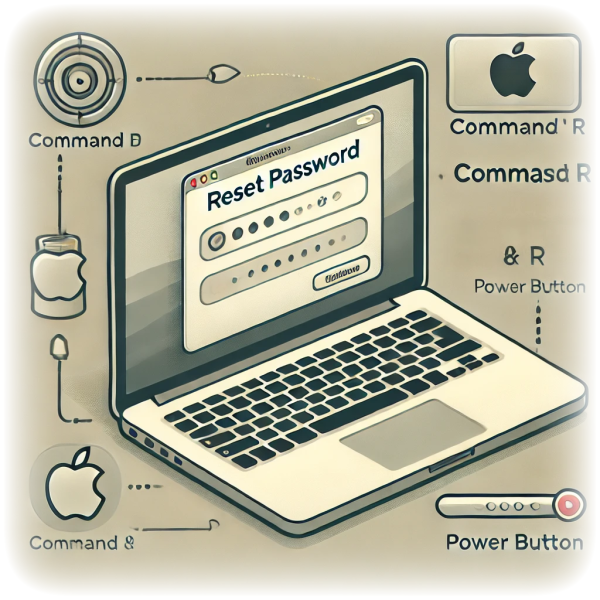
Reset your macOS user password
Author(s): Louis Ouellet
Forgetting your macOS user password can be frustrating, but rest assured, there’s a straightforward way to get back into your account. This guide will walk you through resetting your macOS user password using Recovery Mode.
Step 1: Boot into Recovery Mode
To reset your macOS user password, you'll need to boot into Recovery Mode. Here's how you can do it:
Intel Macs
- Restart your Mac.
- Press and hold + R as soon as you hear the startup sound.
- Keep holding the keys until you see the Apple logo or a spinning globe.
- You'll see the macOS Utilities window. Select
Utilities>Terminalfrom the menu bar.
Apple Silicon Macs
- Restart your Mac.
- Press and hold the button until you see
Loading startup options. - Select
Options>Utilities>Terminalfrom the menu bar.
Step 2: Reset the password
Once you're in Recovery Mode, you can reset your macOS user password using the Terminal. Here's how:
- In the Terminal window, type:
resetpassword
- press Enter.
Step 3: Reset the password
- In the Reset Password utility, select your user account.
- Enter a new password and a password hint.
- Click
Nextand thenRestartto reboot your Mac.
Conclusion
That's it! You've successfully reset your macOS user password. Remember to keep your password in a safe place or use a password manager to avoid this situation in the future.
Tags