Raspberry Pi

PiNAS v2 – Design Progress (HDD Cage & Caddies Validated)
Author(s): Louis Ouellet
PiNAS is back — and this time, it’s more than just an iteration.
Over the past few weeks, I’ve been deep into redesigning my Raspberry Pi-based NAS from the ground up. What started as a simple idea quickly turned into a series of design challenges, print tests, and unexpected lessons.
This article isn’t just about what works — it’s about what didn’t, what changed, and why.
Repurpose Old Printers Using a Raspberry Pi
Author(s): Louis Ouellet
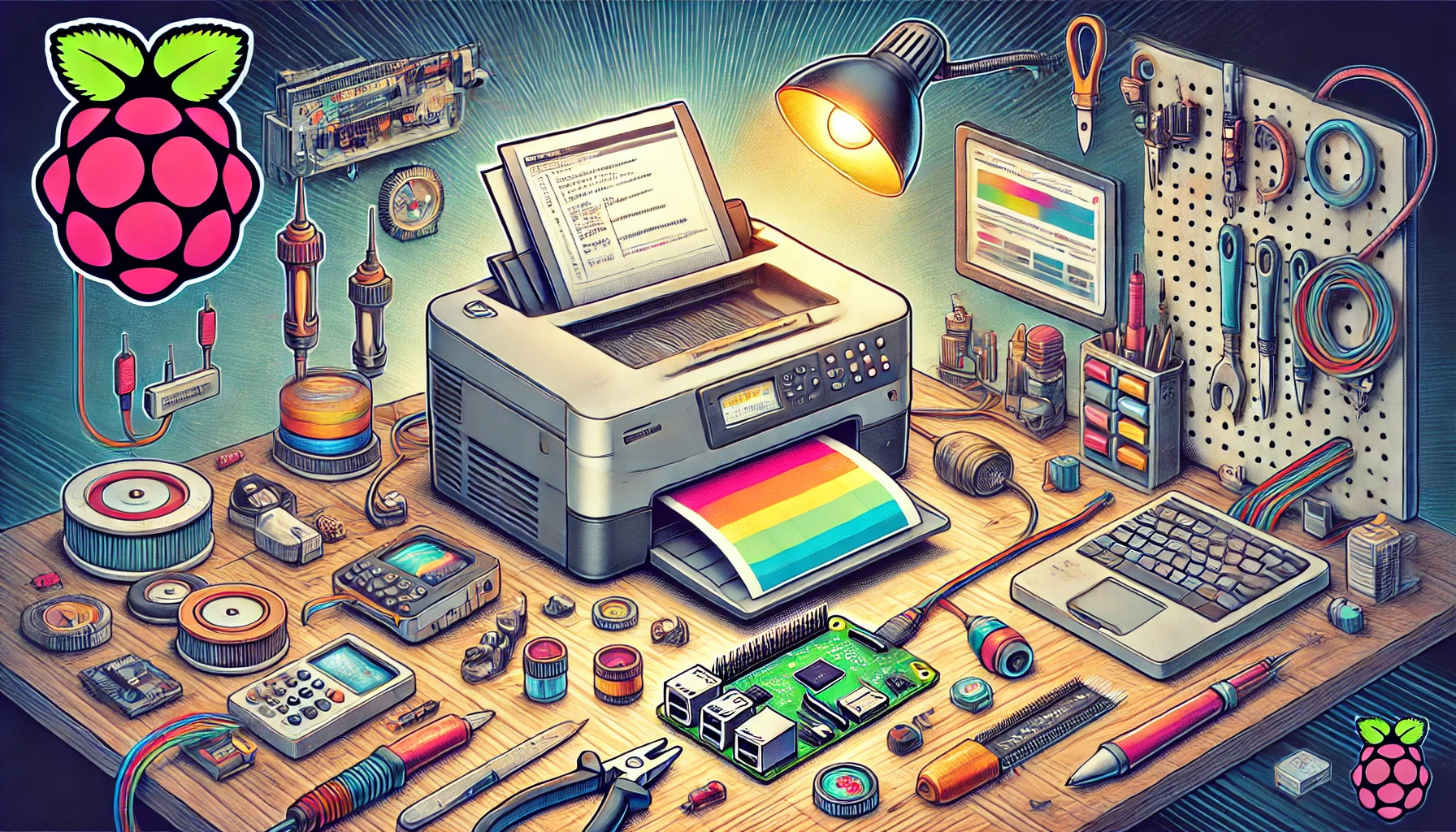
In this project, we will repurpose an old Canon Color ImageClass MF8350CDN printer using a Raspberry Pi. Since Canon no longer supports Windows 11 for this device, using a Raspberry Pi as a print server allows us to extend the printer’s lifespan. It also enables features such as AirPrint for convenient wireless printing from Apple devices.
Below is a step-by-step guide to:
- Set up a Raspberry Pi with the necessary software
- Install and configure the Canon printer drivers
- Use CUPS for print management
- Enable AirPrint for iOS devices
- Configure Samba for a shared folder (useful for scanned documents)
- Install and configure a Python Startup Monitor

How to Restart a Network Interface on a Raspberry Pi
Author(s): Louis Ouellet
In the world of Raspberry Pi, ensuring a stable and reliable network connection is crucial for various projects and applications. Whether you are managing a home automation system, setting up a personal server, or experimenting with IoT devices, the ability to restart your network interface can be incredibly handy. This simple yet effective procedure can resolve connectivity issues and refresh your network settings without rebooting the entire system. In this blog post, we'll walk you through the steps to restart both Ethernet and WiFi interfaces on your Raspberry Pi.
How to Disable Low Voltage Notification on Your Raspberry Pi
Author(s): Louis Ouellet
If you're a Raspberry Pi enthusiast, you've probably encountered the pesky low voltage warning at some point. This warning, while helpful in some scenarios, can be a nuisance, especially if you're confident in your power supply's capabilities or are in the middle of a critical project. Today, we'll guide you through the simple process of disabling this low voltage notification on your Raspberry Pi.